Printable 2D Shape Flashcards
Create English, Chinese, or bilingual shape cards with reviewed exemplars, learning markers, matching pairs, and print-ready layouts.
Customize and preview 2D shape flashcards
Quick starts
Apply a complete classroom-ready configuration in one step.
Customize shape cards
Choose the geometry, learning content, appearance, and print layout.
Live page preview
Output summary
- Cards
- 10
- Pages
- 3
- Content
- Shape + name · English
- Paper
- Letter · Portrait
- Layout
- Standard · 4-up
- Style
- Color · Filled
Print or download shape cards
Updating preview…
Create shape flashcards in 3 steps
Choose shapes
Start with First, Core, Extended, or the Full Library, or select shapes individually.
Choose a learning goal
Make recognition cards, property cards, or an automatically paired Shape card + Name card deck.
Preview and output
Inspect the real paper pages, then print or download the vector PDF.
Five shape-learning activities

Quick naming
Draw a card and say the English shape name.
Sort by properties
Group cards by straight sides, corners, or curves.

Compare orientations
Discuss why a rotated or stretched example is still the same shape.

Shape hunt
Find flat outlines around the room that match a card.
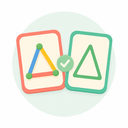
Matching game
Choose Matching pairs to create Shape card + Name card pairs that never split across pages.
Learn accurately and print well

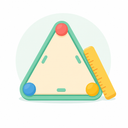
Orientation is not a defining property
A tilted square is still a square; color, size, and direction do not change its category.
Match vocabulary to the learner
Use the Early years profile for familiar wording or Formal geometry for terms such as vertices.
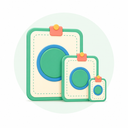
Choose the right card size
Posters and Large cards support demonstrations; Standard and Pocket cards suit sorting and matching.
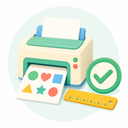
Print at actual size
Match the paper setting, print at 100% or Actual Size, and cut on the real guides.
REAL OUTPUT EXAMPLES
See what you can make
These previews are generated automatically from real Quick Start settings—not promotional mockups.
REAL OUTPUT
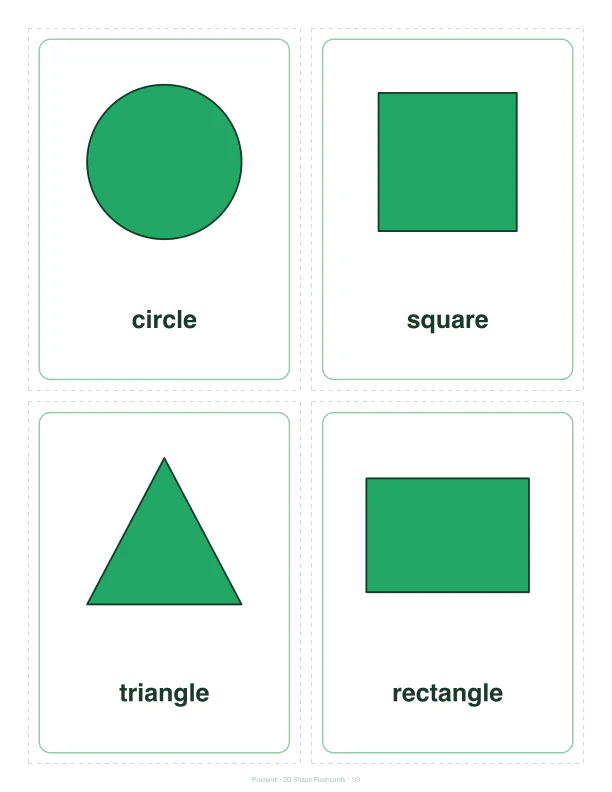
Core shape cards
Show each shape and its English name on four clear learning cards.
- 4 per page
- Shape + name
REAL OUTPUT
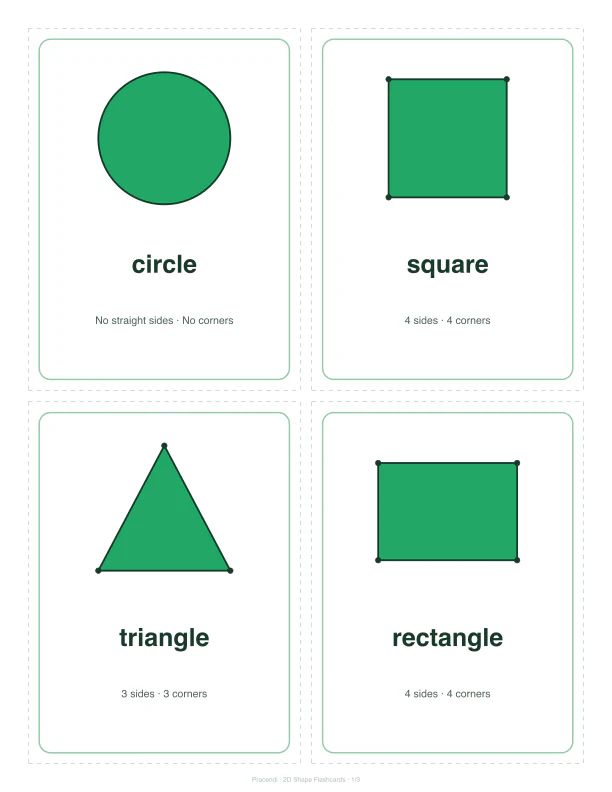
Sides and corners cards
Keep the shape, name, side count, and corner count together.
- 4 per page
- Property cues
REAL OUTPUT
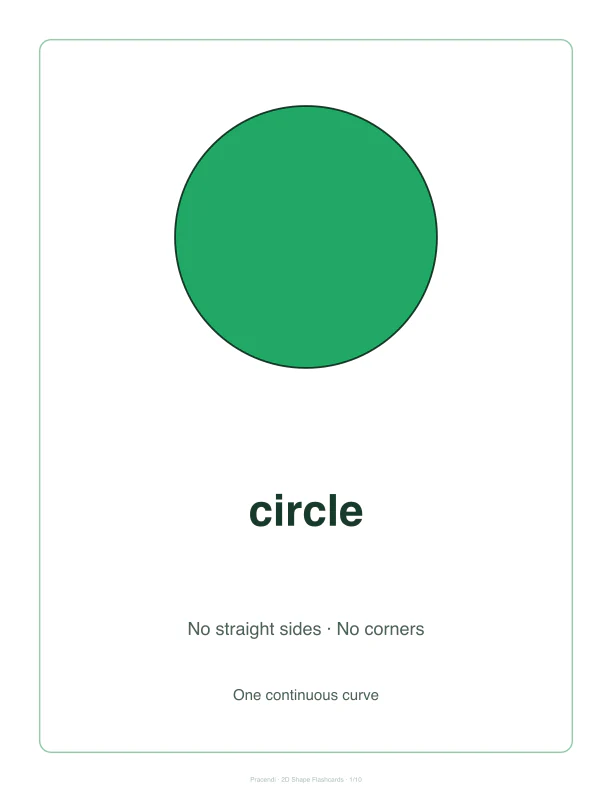
Classroom shape posters
Feature one large shape and its reviewed properties on each page.
- 1 per page
- Whole-class display
Designed for early geometry understanding

One shape source of truth
Every preview and output uses the same reviewed set of 15 shapes.

See non-typical examples
Varied and Two examples help children recognize changes in orientation and proportion.
What you see is what you print
Live preview, vector PDF, and browser print use the same page layout.
Useful for these learning moments



Frequently asked questions
Why is there no separate diamond shape?
Are printed labels available in Chinese?
Why are some choices disabled?
Can I print in low ink or black and white?
Continue learning and printing
Combine these cards with Number Flashcards, Letter Formation Cards, and other real tools in Printables.
- Number FlashcardsFree printable number flashcards 0–20 to help children learn numerals, quantities, and number words. Choose your range, preview, and download as PDF.Open tool
- Letter Formation CardsFree printable letter formation cards A–Z to help children learn letter shapes, stroke direction, and handwriting order. Customize, preview, and download as PDF.Open tool
Keep exploring
Browse more printable learning activities
Find more customizable, previewable, and printable learning materials in the Printables channel.