Puzzle type
Queens
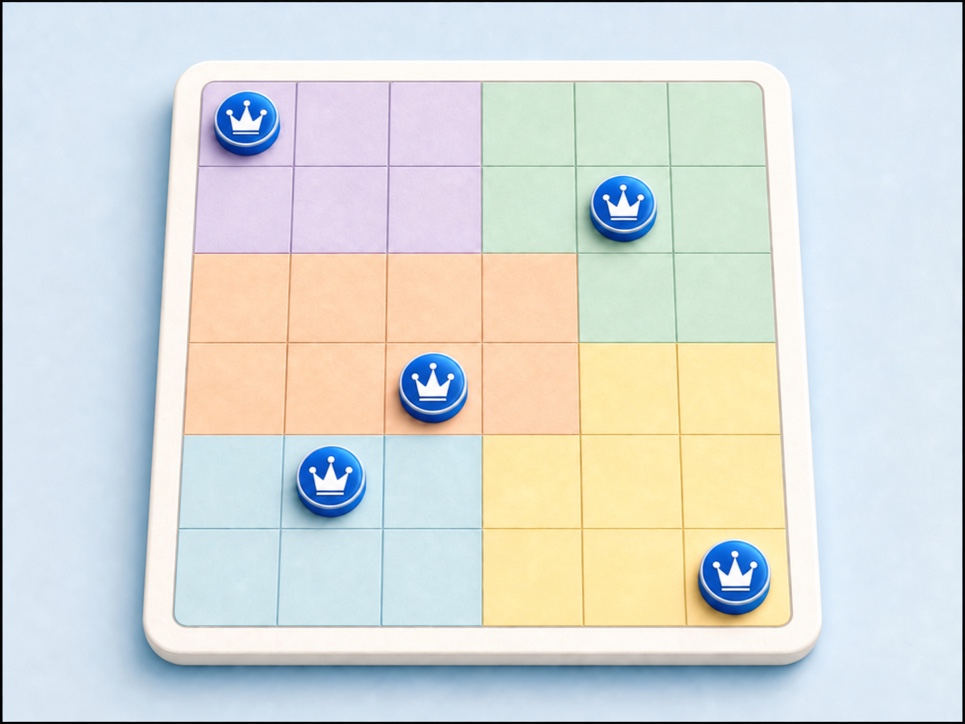
Place one flower in every row, column, and colored region using logic and elimination.
Move from Queens Puzzle to Sudoku, mazes, picture logic, and more. Each activity offers a clear way to practice observation, spatial thinking, and step-by-step reasoning.

Scan each puzzle type and its difficulty, then start the challenge that fits.
Place one flower in every row, column, and colored region using logic and elimination.
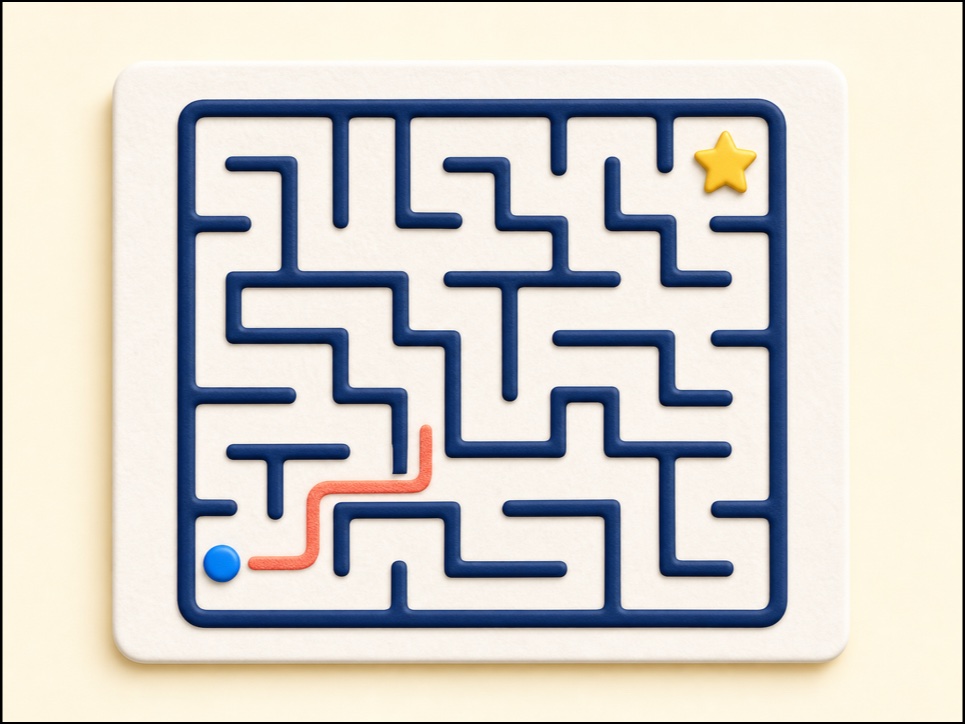
Solve a geometric maze online with keyboard, touch, or pointer controls, with hints and undo when needed.
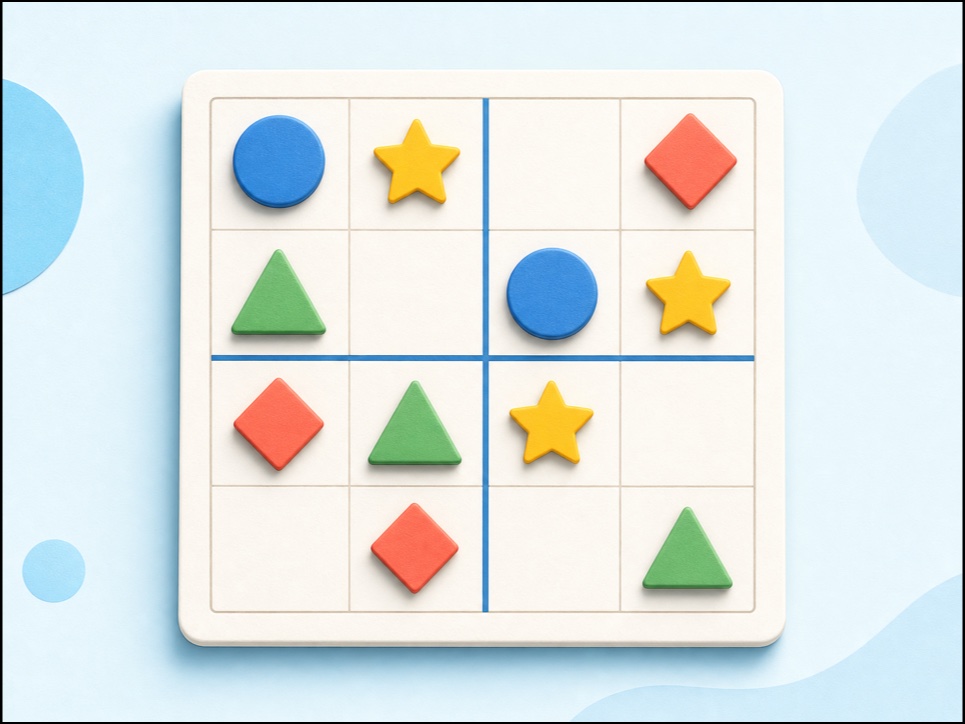
Play child-friendly 3×3 and 4×4 picture sudoku with shapes, keyboard and touch controls, hints, undo, and no sign-up.
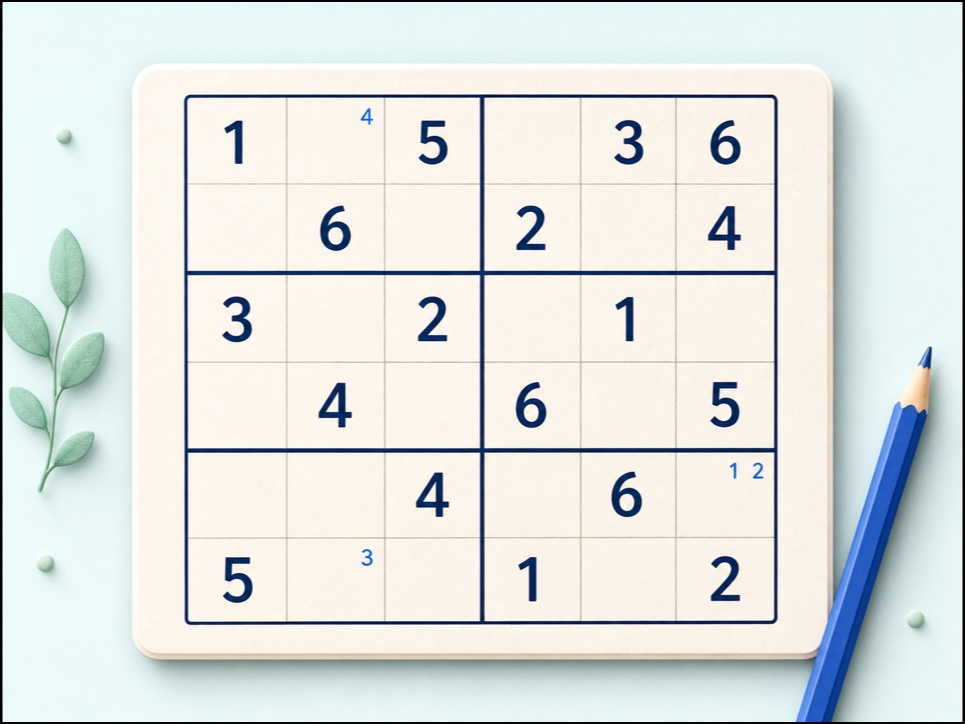
Solve child-friendly 6x6 Sudoku with digits 1-6, 2x3 boxes, notes, keyboard controls, checking, hints, undo, and redo.
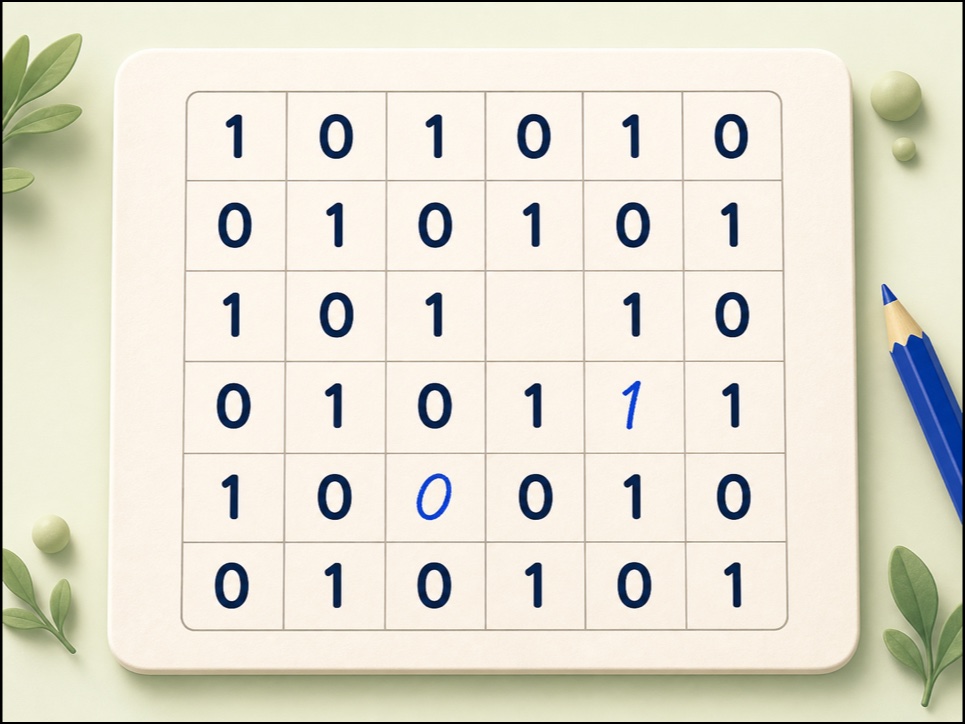
Play 4×4 and 6×6 Binary Logic with two accessible symbol choices, keyboard and touch controls, rule-based hints, undo, redo, and check.
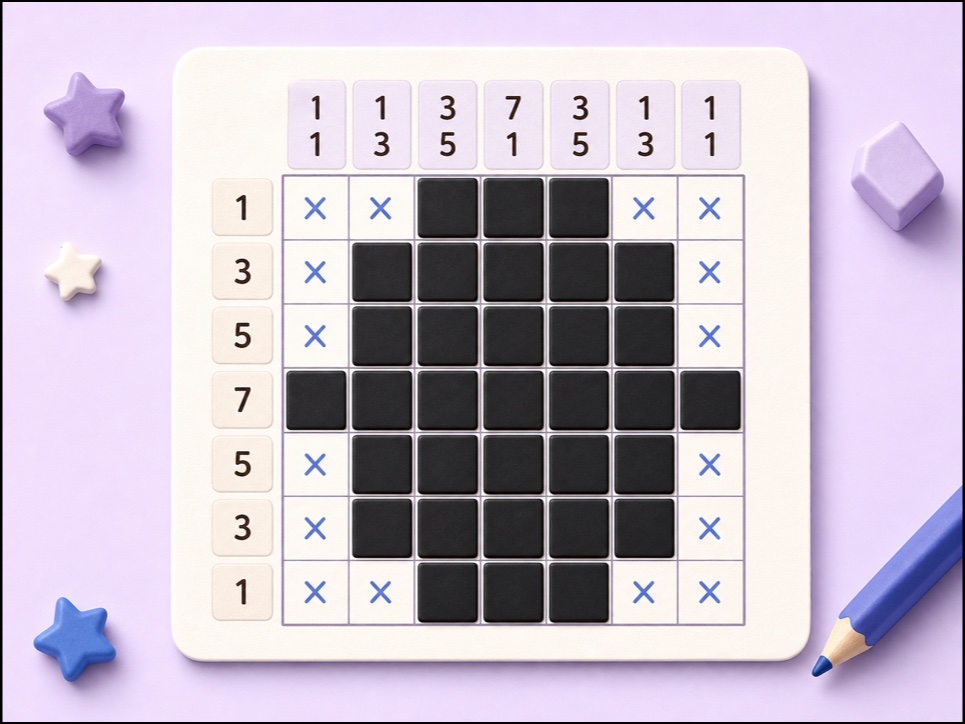
Play a 5×5 Nonogram online using row and column clues to reveal a hidden picture.
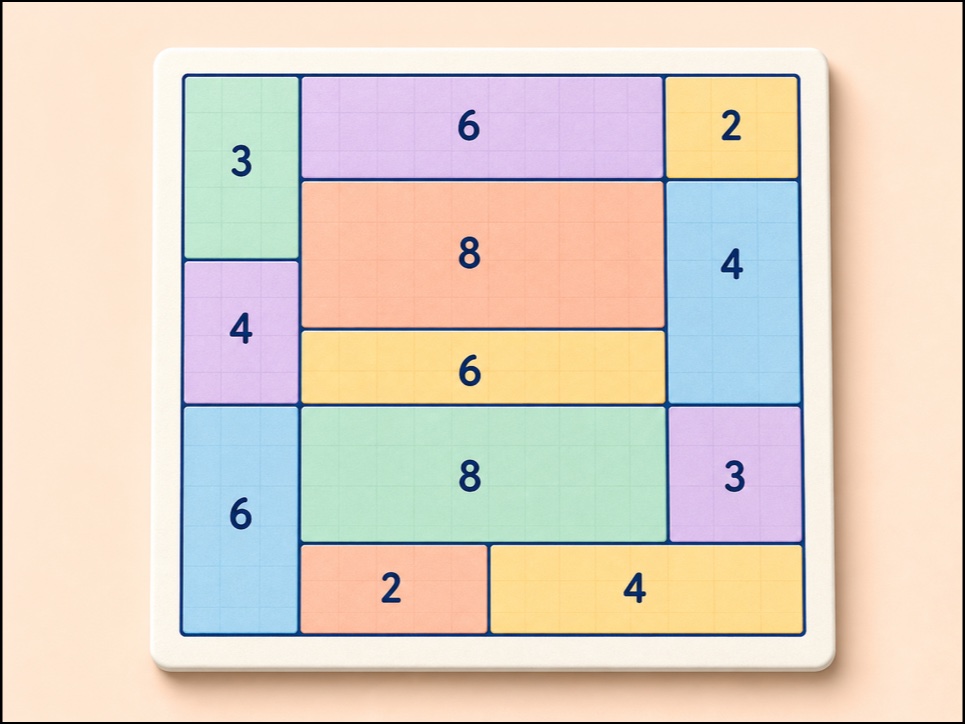
Play child-friendly Shikaku area partition puzzles with pointer, touch, keyboard, hints, undo, and checks.
Place one queen in every row, column, and colored region. The short rule set makes each move easy to check and rewarding to solve.
Start with the kind of thinking you want to practise today.
Notice patterns, clues, and small differences.
Maze · Mini Nonogram See matching puzzlesCombine rules and eliminate impossible choices.
Queens · Sudoku · Binary Logic See matching puzzlesCompare positions, regions, paths, and shapes.
Shikaku · Picture Sudoku See matching puzzlesUse quantities and sequences to make decisions.
Sudoku · Binary Logic See matching puzzlesPair puzzle time with letter, number, and word tracing for home or classroom use.