Printable Queens Puzzle Worksheets
Choose a difficulty, puzzle, paper setup, and page content, then preview and print the puzzle with an optional answer key.
Quick Start
Choose a support level, then fine-tune the real worksheet settings below.
Print Settings
Choose one real puzzle, then adjust its paper, style, and support options.
Print Preview
2 pagesPrint this worksheet
Wait for the selected puzzle and preview to finish loading.
Opens the browser print dialog. Match its paper size and orientation to these settings.
Create a Printable Queens Puzzle in Three Steps

Configure the challenge
Choose a real 5×5 to 8×8 puzzle, then set its paper, print style, and support options.

Preview both pages
Inspect the exact puzzle and optional answer page before sending anything to print.
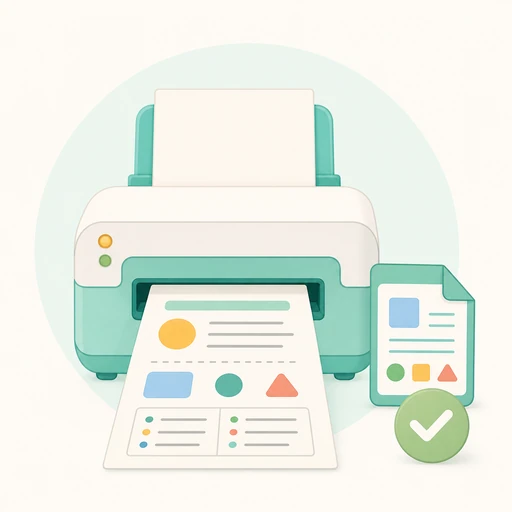
Print the worksheet
Open the browser print dialog and match its paper size and orientation to the selected setup.
Choose the Right Support Level
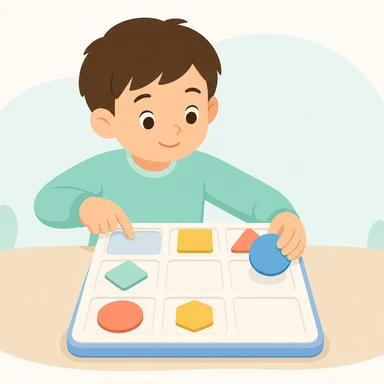
Guided
Keep region labels, the four rules, name fields, color, and a separate answer page.
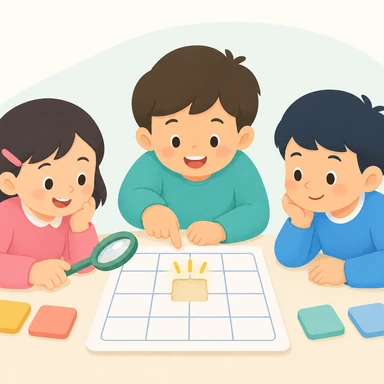
Light hints
Use a larger board while keeping the printed reminders available.
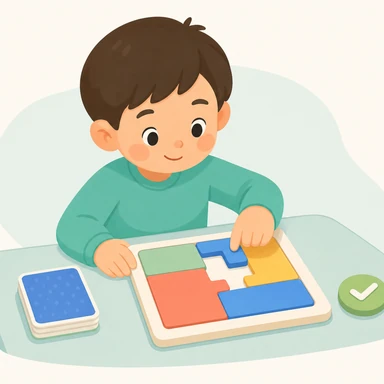
Independent
Remove labels and rules so the child completes each deduction independently.
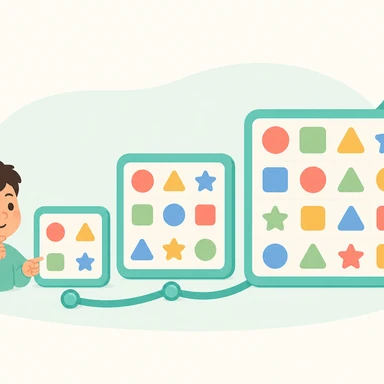
Challenge
Use the largest board and a quieter grayscale page, with answers held back for checking.
Ways to Use the Worksheets
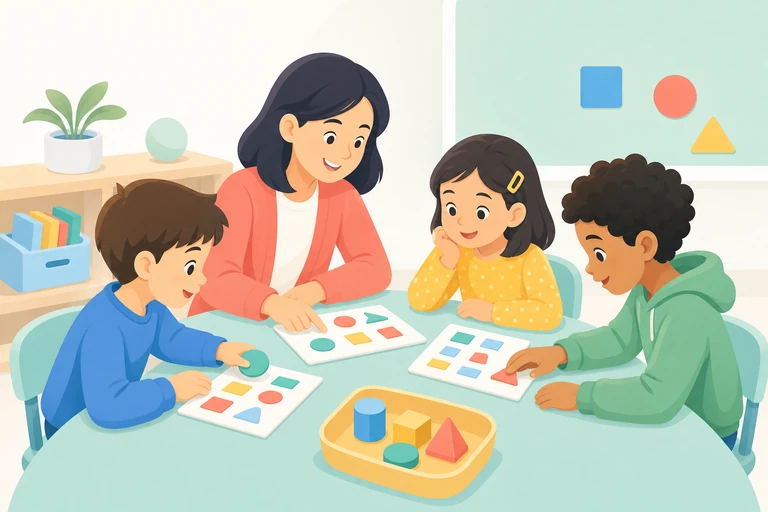
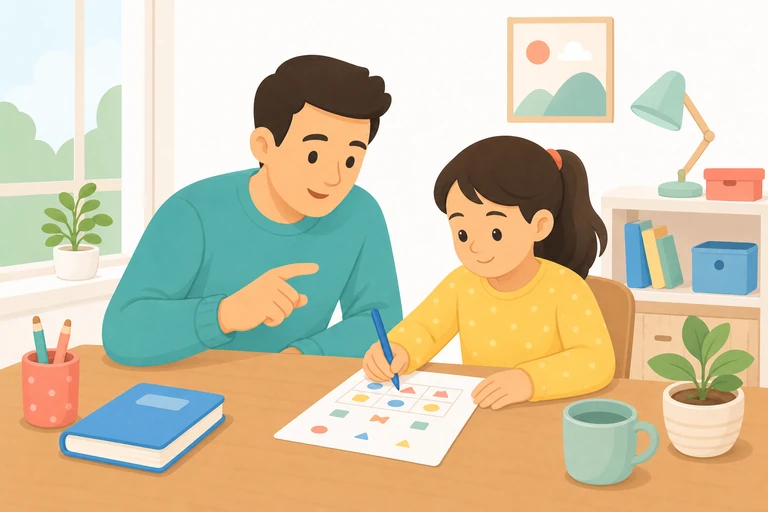

Before You Print
- Choose a comfortable difficultyStart with a smaller grid to learn the rules, then move up when the solving pattern feels familiar.
- Confirm paper and orientationUse the same paper size and orientation in the browser print dialog for the closest match.
- Decide whether to print answersPrint only the puzzle for practice, or keep the separate answer page for checking work.
What Printable Queens Puzzle Practice Builds

Logical elimination
Children compare rows, columns, regions, and nearby cells before each placement.

Visible working
Pencil marks make each eliminated cell and revised idea easy to review.

Calm concentration
A single paper puzzle supports focused practice without on-screen feedback.
Use the Worksheet in Three Teaching Moves

Observe together
Scan one row, column, and color region aloud before the child makes any pencil marks.
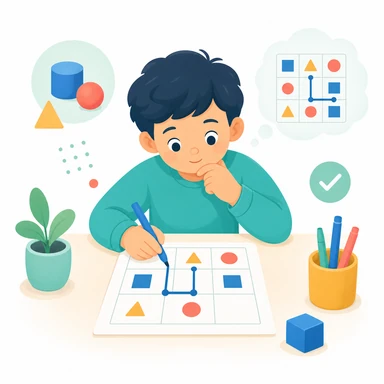
Solve and explain
Ask the child to cross out impossible cells and explain the rule behind each flower.
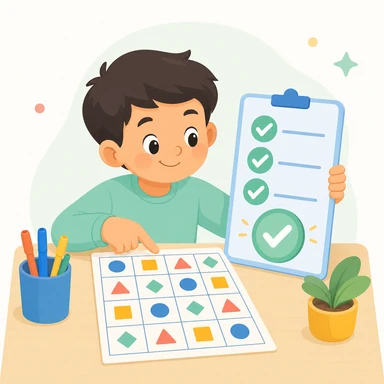
Check after solving
Reveal the separate answer page only after the puzzle is complete, then review any changed deductions.
Ready to prepare a worksheet?
Choose a puzzle and preview the exact page
Return to the workspace to adjust support, paper, and answer-page options before printing.
Printable Practice Questions
What is the difference between online and printable play?
Can I print only the puzzle page?
Why can the printed size differ from the preview?
Which paper sizes and orientations are supported?
What does the answer page include?
Can I save the worksheet as a PDF?
Can I use the worksheet for classroom or home practice?
Continue Logic Practice
Try another real Pracendi puzzle with a different kind of visual reasoning.
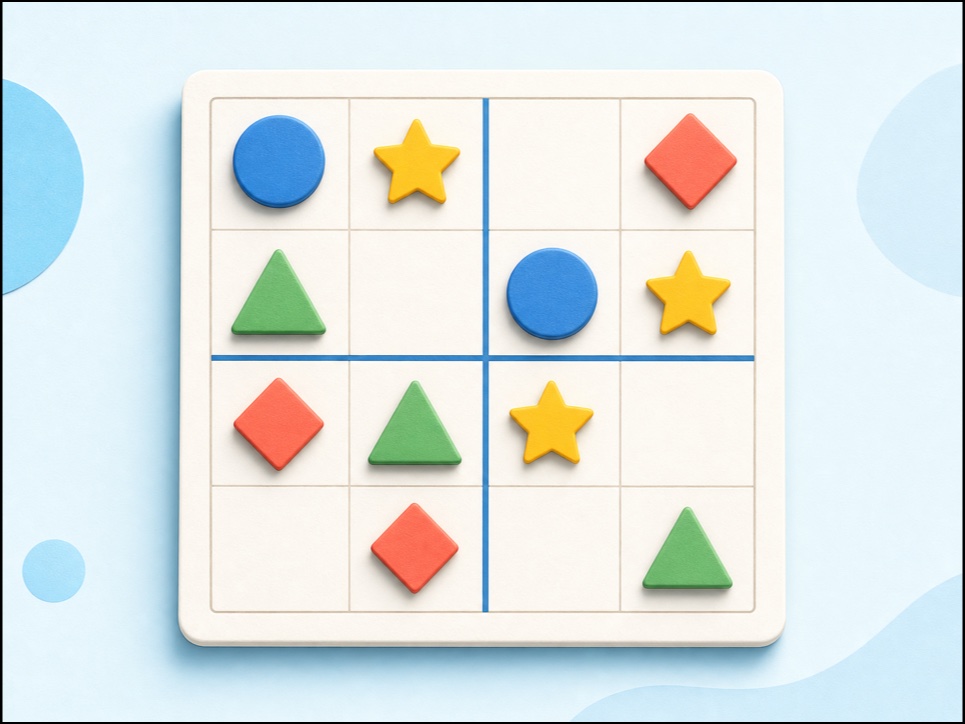 Picture SudokuPlay child-friendly 3×3 and 4×4 picture sudoku with shapes, keyboard and touch controls, hints, undo, and no sign-up.Open puzzle
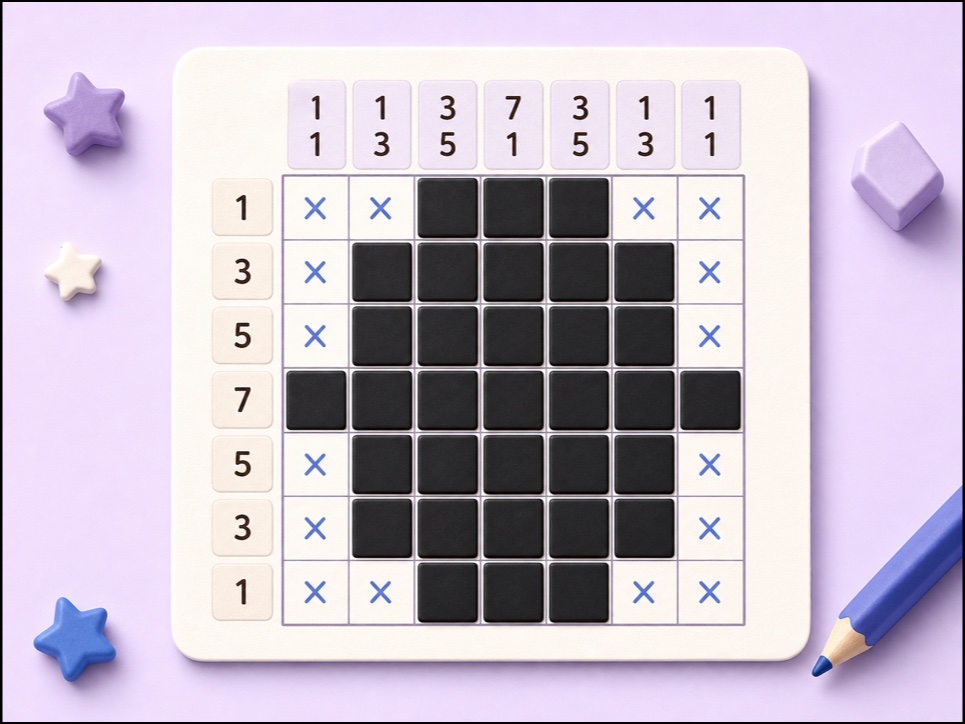 Mini NonogramPlay a 5×5 Nonogram online using row and column clues to reveal a hidden picture.Open puzzle
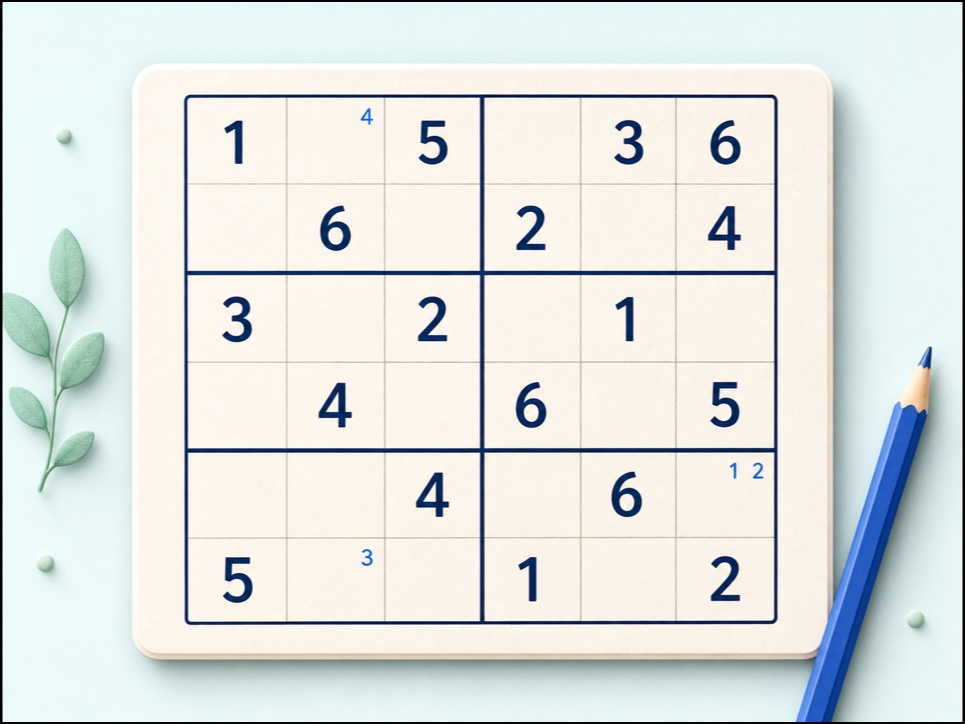 Classic 6x6 SudokuSolve child-friendly 6x6 Sudoku with digits 1-6, 2x3 boxes, notes, keyboard controls, checking, hints, undo, and redo.Open puzzle